

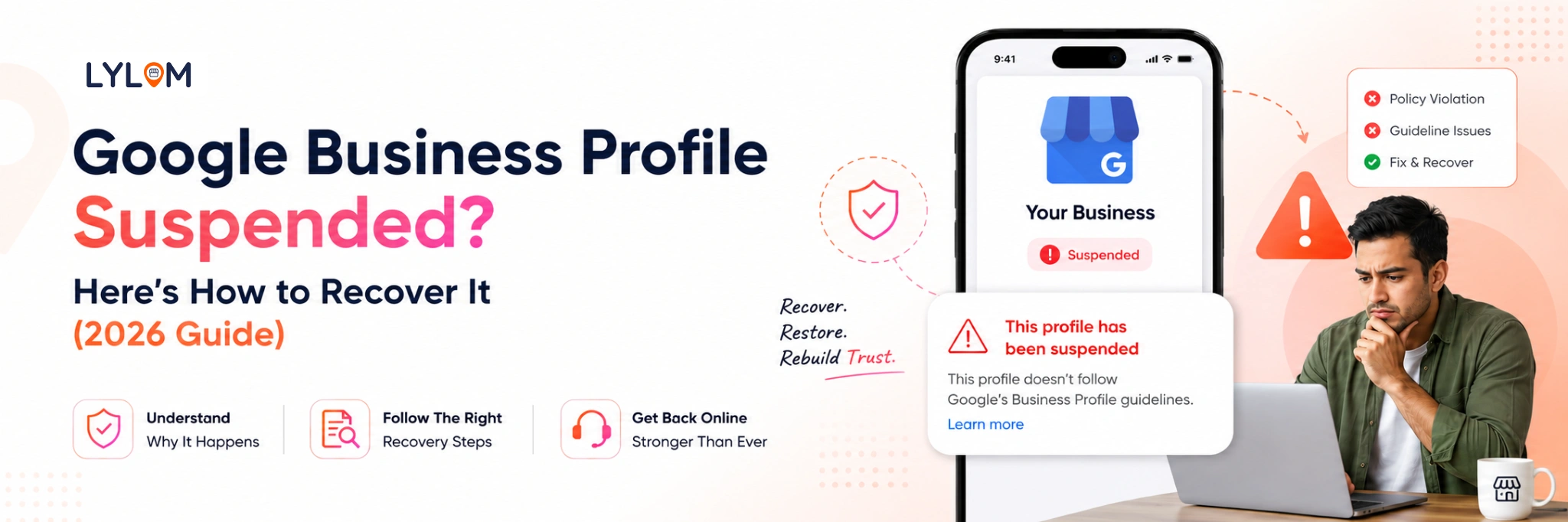
If your Google Business Profile gets suspended it is like your business is gone from Google. You do not get any calls you are not visible, on Google Search or Google Maps. You do not get any new customer inquiries. This is very frustrating. It can hurt your business because you will not make as much money.
The good thing is that you can fix a Google Business Profile suspension. In this guide you will learn why Google Business Profile suspensions happen, how to get your Google Business Profile listing back and how to keep your Google Business Profile from getting suspended.
What Does Google Business Profile Suspension Mean?
A Google Business Profile suspension is when your business listing is either partly or completely taken out of Google Search and Maps.
This is really bad for your business.
There are two kinds of suspension:
- Soft Suspension: You can still see your business listing. You cannot make any changes to it.
- Hard Suspension: Your business is completely gone from Google.
Knowing what kind of suspension you have helps you figure out what to do to fix the problem with your Google Business Profile.
Why Was Your Google Business Profile Suspended?
Google suspends listings that violate its guidelines even unintentionally. Most businesses don’t realize they’ve made a mistake until it’s too late.
Here are the most common reasons for GBP suspension:
- Using keywords in your business name (e.g., “Best Salon in Bangalore”)
- Incorrect or inconsistent business address
- Listing a virtual office, co-working space, or fake location
- Multiple listings for the same business (duplicate profiles)
- Frequent or sudden changes to business details
- Suspicious activity like multiple logins from different locations
Even small changes can trigger a suspension if Google finds them unusual.
How to Recover a Suspended Google Business Profile
Recovering your profile requires a careful and structured approach. Rushing or guessing can delay the process.
1. Review and Fix Your Profile
Start by checking your listing against Google’s guidelines:- Use your real business name only (no extra keywords)
- Ensure your address matches official documents
- Choose the most relevant business category
- Remove duplicate or misleading listings
2. Gather Proof of Your Business
Google needs to verify that your business is genuine. Before submitting a reinstatement request, collect:- Business registration certificate
- Utility bill (electricity, internet, etc.)
- Rent agreement or ownership proof
- Photos of your shop, office, or signage
3. Submit a Reinstatement Request
Once everything is corrected, submit your Google Business Profile reinstatement request.
While submitting:- Keep your explanation short and honest
- Clearly mention what you corrected
- Upload all required documents
- Avoid writing long emotional messages, stick to facts
How Long Does GBP Reinstatement Take?
The Google Business Profile reinstatement process usually takes:
- 3-7 days in simple cases
- Up to 2-3 weeks for complex issue
During this period:
- Don’t make further changes to your profile
- Avoid submitting multiple requests
- Monitor your email for updates from Google
Patience plays a key role here.
What to Do If Your Reinstatement Request Is Rejected
If your GBP reinstatement request is denied, don’t worry it’s still recoverable.
Recheck:
- Address consistency across documents
- Business name formatting
- Quality and clarity of uploaded proof
Fix the gaps and reapply with stronger documentation.
How to Avoid Google Business Profile Suspension in the Future
Once your profile is restored, keeping it safe should be your priority.
Follow these best practices:
- Maintain consistent business information across all platforms
- Avoid unnecessary or frequent edits
- Follow Google’s naming guidelines strictly
- Use a real, physical business location
- Regularly monitor your profile for unusual changes
A well-managed profile is less likely to be flagged.
Final Thoughts
A suspended Google Business Profile can disrupt your business, but it’s not permanent. With the right steps fixing errors, submitting proper documents, and following guidelines you can recover your listing and get back on track.
Your Google Business Profile is more than just a listing, it's your digital storefront. Keeping it accurate and compliant ensures you continue to attract customers and grow your business.
Bonus Tip: If managing your Google Business Profile feels overwhelming, tools like LYLOM can help you track updates, manage reviews, and avoid issues that may lead to suspension all in one place.
Your Google Business Profile is more than just a listing, it's your digital storefront. Keeping it accurate and compliant ensures you continue to attract customers and grow your business.
Bonus Tip: If managing your Google Business Profile feels overwhelming, tools like LYLOM can help you track updates, manage reviews, and avoid issues that may lead to suspension all in one place.