

Your Google Business Profile could have been created months or even years ago.
But when was the last time you actually checked it?
Businesses are constantly changing. Phone numbers change, opening hours get updated, new services are introduced, websites are redesigned, and old photos remain on Google long after they stop representing the business.
Information that was accurate six months ago may no longer be correct today.
That is why a Google Business Profile (GBP) audit is important.
Think of a GBP audit as a regular health check for your online business profile. Instead of simply looking at your listing, an audit means checking each important section systematically to make sure your information is accurate, complete, relevant, and useful to customers.
Why Is a Google Business Profile Audit Important?
Imagine a customer searching for a local dentist.
They find your Google Business Profile and decide to call the number listed. But the phone number is no longer active.
The customer may not spend another five minutes searching for your updated number. They may simply choose another clinic.
Now consider another situation.
Your profile says that your clinic is open until 8 PM, but you actually close at 7 PM. A customer arrives at 7:30 PM expecting the clinic to be open.
Small information errors can create a frustrating customer experience and potentially cost you business.
A regular GBP audit helps you identify these problems before they affect your customers.
1. Check Your Basic Business Information
Start your audit with the information customers need most.
Check:
- Business name
- Address
- Phone number
- Website
- Opening hours
- Special or holiday hours
Ask yourself: If a potential customer discovered my business for the first time today, would all of this information be correct?
These details may seem simple, but they are some of the easiest things for businesses to forget to update.
2. Check Your Business Category
Your business category helps Google understand what type of business you operate.
A restaurant, dental clinic, salon, retail store, and automobile repair shop may all be local businesses, but they serve very different customer needs.
Your primary category should accurately represent your actual business.
Do not choose a category simply because you think it is popular. Select the category that best describes what your business provides.
Also review additional categories, if applicable, and make sure they are still relevant to your business.
3. Review Your Business Description
Your business description should quickly explain what your business does.
For example:
"We are a family-run dental clinic offering general, preventive, and cosmetic dentistry services in Hisar."
"We are a family-run dental clinic offering general, preventive, and cosmetic dentistry services in Hisar."
A customer reading this can immediately understand what type of business it is and what services they can expect.
Keep your description:
- Clear
- Accurate
- Customer-focused
- Up to date
Avoid keyword stuffing. The purpose of your description is to help customers understand your business, not to fill it with repeated keywords.
4. Check Your Services and Products
Businesses often introduce new services or products but forget to update their Google Business Profile.
For example, a salon may have originally listed:
Haircut | Hair Spa | Facial
But now also offers:
Bridal Makeup | Hair Colour | Nail Services
Haircut | Hair Spa | Facial
But now also offers:
Bridal Makeup | Hair Colour | Nail Services
If these newer services are not listed on the profile, potential customers may never know that the salon offers them.
Review your products and services regularly, especially if your business frequently changes its offerings.
Ask:
- Are all current services listed?
- Are outdated services removed?
- Are product details accurate?
- Are prices or other details still relevant, where applicable?
5. Review Your Photos From a Customer's Perspective
Photos are another important part of a GBP audit.
Do not just ask whether your profile has photos. Ask whether the photos accurately represent your business today.
For example, imagine you renovated your restaurant last year, but your Google Business Profile still displays photos of the old interior.
A customer searching for your restaurant is seeing an outdated version of your business.
A useful photo audit can include:
- Exterior: Does it show the current storefront?
- Interior: Does it represent the current space?
- Products: Are current products displayed?
- Services: Are your key services represented?
- Team: Are team photos still relevant?
- Logo: Is your current branding displayed?
- Recent Updates: Are major changes or improvements visible?
Your photos should give potential customers a realistic idea of what they can expect when they visit.
6. Review Your Customer Reviews
Customer reviews should also be part of your GBP audit.
Look through your recent reviews and ask:
- Are customers asking questions?
- Are complaints still unanswered?
- Are positive reviews receiving responses?
- Are there recurring complaints?
- Are customers mentioning the same issue repeatedly?
For example, if several customers mention that your business is difficult to find, it may be worth checking whether your location information, directions, or other profile details need attention.
Reviews are not just something to collect. They can also provide useful feedback about the customer experience.
7. Check Your Business Attributes
Attributes provide additional information about your business.
Depending on your business type and the options available, attributes may include things such as:
- Accessibility
- Wi-Fi
- Outdoor seating
- Payment options
- Amenities
- Other customer-relevant facilities
For example, a café may want customers to know that it offers Wi-Fi and outdoor seating. A clinic may want to highlight relevant accessibility facilities.
Review your available attributes and select only those that accurately apply to your business.
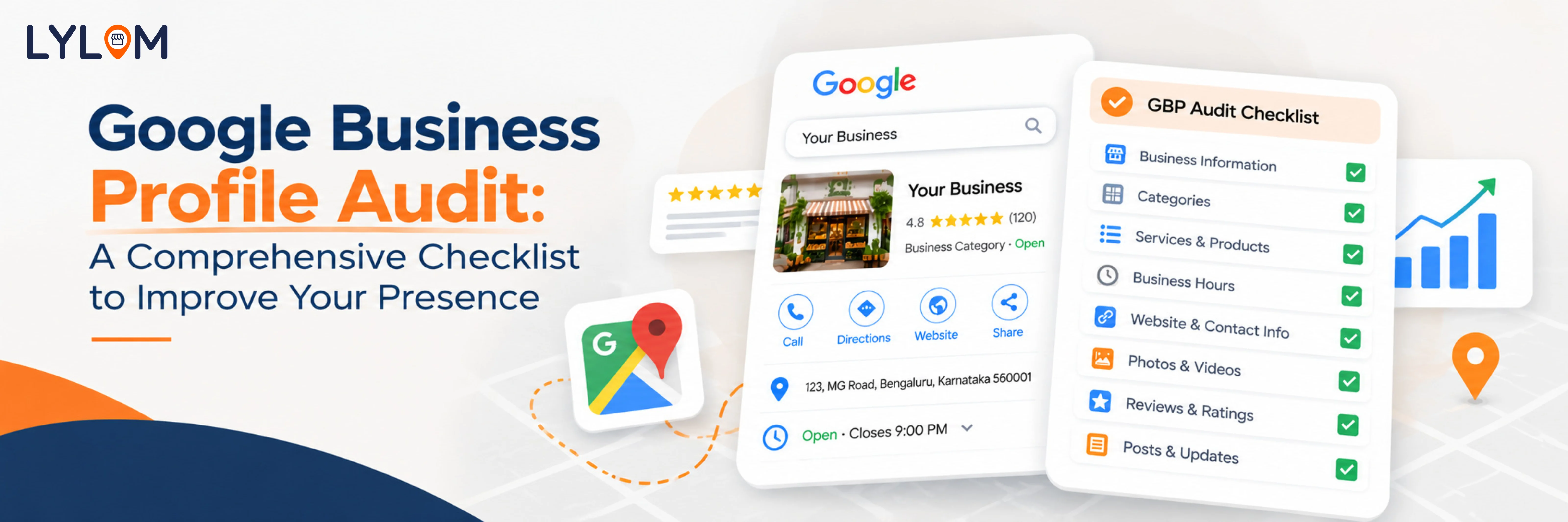
Google Business Profile Audit Checklist
Use this simple checklist to review your profile section by section:
- Business Name: Is it accurate?
- Phone: Does the number work?
- Website: Does the link open correctly?
- Hours: Are regular and special hours correct?
- Category: Does it accurately represent the business?
- Description: Is it current and clear?
- Services: Are all current services listed?
- Products: Are current products listed correctly?
- Photos: Are they recent and relevant?
- Reviews: Are recent reviews answered?
- Attributes: Are relevant attributes added?
What matters is identifying the sections that need attention and taking action.
How Often Should You Conduct a GBP Audit?
You do not necessarily need to audit your Google Business Profile every day or every week.
For most businesses, a monthly or quarterly audit can be a practical approach.
However, you should also review your profile whenever an important business change happens. For example:
- You move to a new location
- Your phone number changes
- Your opening hours change
- You launch a new service
- You redesign your website
- You add new products
- Your business undergoes renovation
Do not wait for your next scheduled audit when something important changes. Update your profile as soon as possible.
Think Like a Customer
One of the simplest ways to conduct a useful GBP audit is to stop thinking like a business owner and start thinking like a customer.
Imagine you have never visited your business before. You search for the business on Google and find its profile.
Can you easily understand:
- Where the business is located?
- When it is open?
- What services it offers?
- How to contact it?
- What the business looks like?
- What other customers think about it?
If the answer to any of these questions is unclear, you may have identified an area that needs improvement.
Make Google Business Profile Management Easier With Lylom
A Google Business Profile needs more than a one-time setup.
Business information changes. Reviews need attention. Photos and services need updates. Performance needs to be monitored.
Keeping track of everything manually can become difficult, especially when you manage multiple business locations.
Lylom helps businesses manage and improve their Google Business Profile from one place.
With Lylom, businesses can work with features such as:
- Profile Audit to identify areas that need improvement
- Review Management with AI-powered review responses
- Profile and Performance Tracking
- Services and business information management
- Posts, offers, and events
- Competitor Analysis
- Website and IVR solutions
- Call and enquiry tracking
Instead of letting your Google Business Profile become outdated, make regular profile management part of your marketing routine.
Final Takeaway
A Google Business Profile audit does not have to be complicated.
It is simply a regular check to make sure the information customers see about your business is accurate, complete, current, and useful.
Check your basic business information, category, description, services, products, photos, reviews, and attributes. Then fix the areas that need attention.
Because when customers search for your business, your Google Business Profile may be one of the first things they see.
Keep it accurate. Keep it updated. Keep your business ready to be found.
Manage your Google Business Profile more easily with Lylom.
It is simply a regular check to make sure the information customers see about your business is accurate, complete, current, and useful.
Check your basic business information, category, description, services, products, photos, reviews, and attributes. Then fix the areas that need attention.
Because when customers search for your business, your Google Business Profile may be one of the first things they see.
Keep it accurate. Keep it updated. Keep your business ready to be found.
Manage your Google Business Profile more easily with Lylom.