

Imagine it's Friday evening.
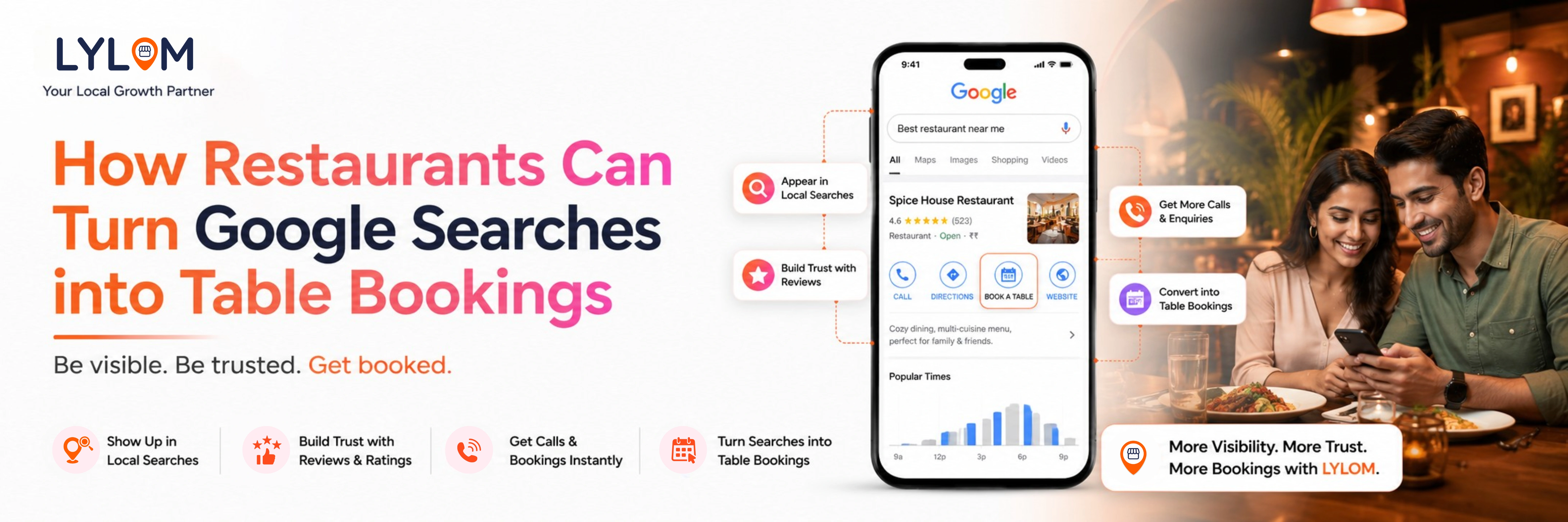
A family is looking for a place to have dinner. Instead of asking friends for recommendations, they simply pull out their phone and search "best family restaurant near me."
Within seconds, Google displays a list of nearby restaurants complete with ratings, reviews, photos, menus, business hours, and directions.
The family compares a few options, checks the reviews, looks at the food photos, and taps the Call button to reserve a table.
Now imagine your restaurant doesn't appear in those results or your profile has outdated hours, old photos, and unanswered reviews.
Chances are, that family will choose another restaurant.
Today, Google Search and Google Maps have become the first stop in a customer's dining journey. A well-managed Google Business Profile can help you attract more diners, increase reservations, and keep your tables full.
In this guide, we'll explore practical ways to turn Google searches into confirmed table bookings.
Why Google Is the New Front Door for Restaurants
Before visiting a restaurant, most customers want answers to a few simple questions:
- Is it open right now?
- What's on the menu?
- What do other customers think?
- How does the food look?
- Is it nearby?
- Can I book a table?
Google provides all of this information in one place.
When your Google Business Profile is complete and up to date, customers can quickly decide whether your restaurant is the right choice.
Think of your Google Business Profile as your restaurant's digital storefront. It's often the first impression potential customers have of your business.
What Makes Customers Choose One Restaurant Over Another?
When several restaurants appear in the search results, customers compare them within seconds. Small details can make a big difference.
Some of the key factors that influence their decision include:
- High overall ratings and recent positive reviews
- High-quality photos of food, interiors, and ambience
- Accurate business hours
- Correct location and contact details
- Updated menu
- Recent offers and events
- Professional responses to customer reviews
Restaurants that actively maintain their profiles appear more trustworthy and are more likely to receive bookings.
Complete Every Section of Your Profile
An incomplete profile can reduce customer confidence.
Make sure your profile includes:
- Restaurant name
- Business category
- Address
- Phone number
- Website
- Menu link
- Opening hours
- Service options (Dine-in, Takeaway, Delivery)
- Payment methods
- Accessibility features
The more complete your profile is, the easier it becomes for customers to choose your restaurant.
Upload High-Quality Photos Regularly
People eat with their eyes first.
Before deciding where to dine, customers often browse restaurant photos.
Include images of:
- Signature dishes
- Popular menu items
- Dining area
- Outdoor seating
- Bar or café setup
- Staff in action
- Special decorations during festivals
- Events or live music nights
Fresh photos show that your restaurant is active and well-maintained.
Keep Your Business Hours Updated
There's nothing more frustrating than arriving at a restaurant only to find it closed.
Always update:
- Holiday timings
- Festival schedules
- Weekend hours
- Temporary closures
Accurate business hours help build customer trust and reduce negative experiences.
Turn Customer Reviews into More Reservations
Reviews play a significant role in a customer's decision-making process.
A restaurant with hundreds of recent positive reviews naturally attracts more attention than one with very few or outdated reviews.
To strengthen your online reputation:
- Encourage satisfied customers to leave a review.
- Respond to every review, whether positive or negative.
- Thank customers for their feedback.
- Address complaints politely and professionally.
- Use customer feedback to improve your service.
Engaging with reviews shows potential diners that you value customer experience.
Use Google Posts to Keep Customers Engaged
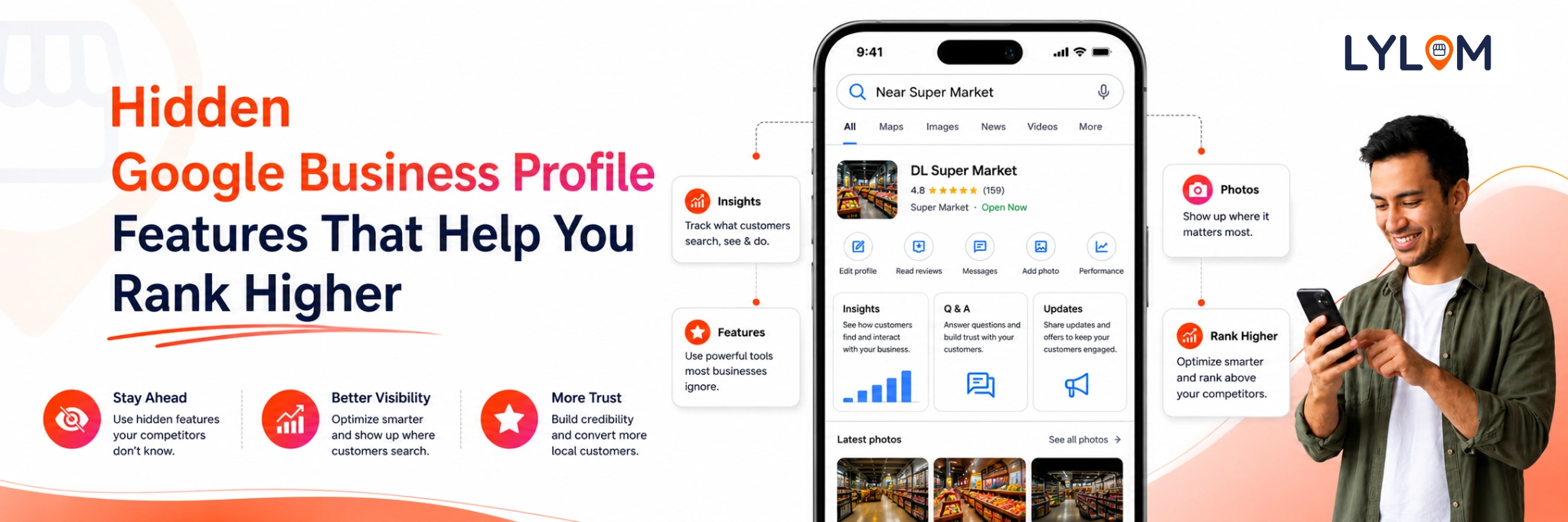
Your Google Business Profile isn't just a listing—it's also a marketing tool.
Google Posts let you share fresh updates directly with potential customers.
Some ideas include:
- Weekend buffet announcements
- Festival special menus
- Happy hour offers
- Live music events
- Chef's special dishes
- Limited-time discounts
- Seasonal menu launches
Regular updates keep your profile active and encourage customers to visit.
Make It Easy for Customers to Book a Table
Many customers prefer calling a restaurant before visiting.
They may want to:
- Reserve a table
- Confirm waiting time
- Ask about group bookings
- Check menu availability
- Enquire about parking
If these calls go unanswered, customers are likely to book elsewhere.
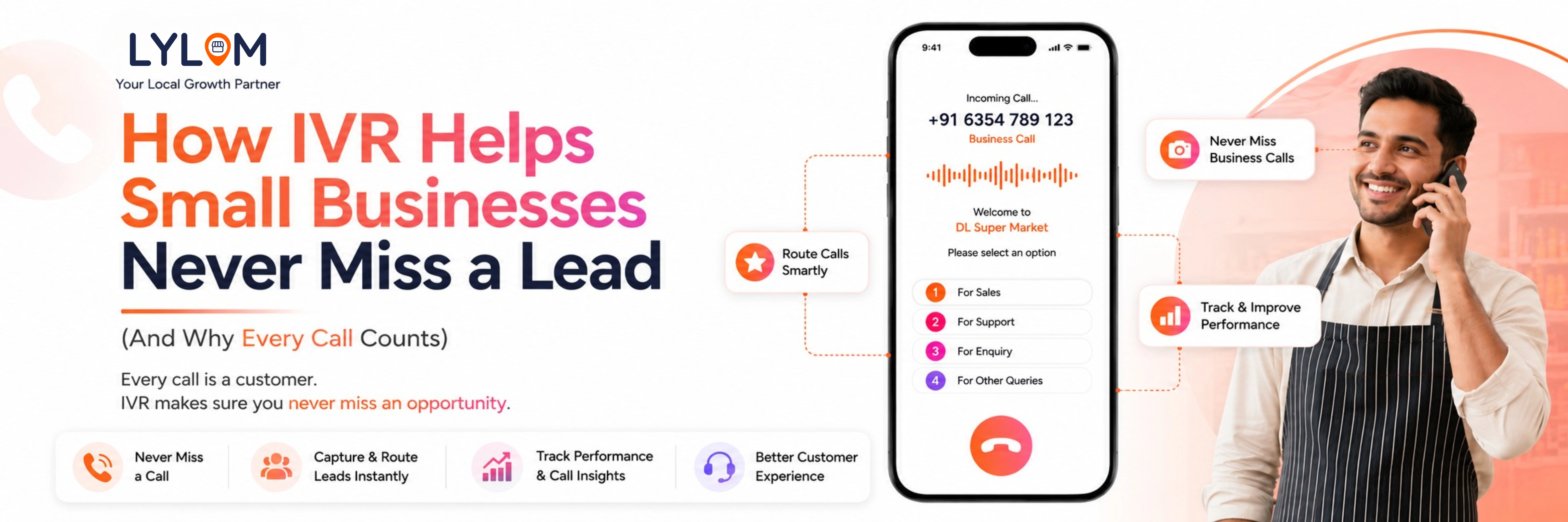
A dedicated business number with call tracking can help restaurants manage enquiries more efficiently and ensure valuable booking opportunities aren't missed.
Keep Your Information Consistent Across Google
Customers expect accurate information wherever they find your restaurant.
Regularly check that your:
- Address is correct
- Phone number is active
- Website works properly
- Menu is updated
- Photos are recent
- Business hours are accurate
Consistent information improves customer confidence and contributes to a better user experience.
Common Mistakes Restaurants Should Avoid
Even great restaurants can lose customers because of simple mistakes.
Some of the most common ones include:
- Ignoring customer reviews
- Using outdated food photos
- Not updating holiday timings
- Missing customer calls
- Posting infrequently
- Having incomplete business information
- Displaying an outdated menu
- Choosing incorrect business categories
Avoiding these issues can significantly improve your restaurant's online visibility and customer engagement.
How LYLOM Helps Restaurants Manage Their Online Presence
Managing a restaurant is already a full-time job. Keeping your Google Business Profile updated shouldn't add to the burden.
With LYLOM, restaurant owners can manage multiple aspects of their online presence from a single dashboard, including:
- Google Business Profile management
- Google Posts scheduling
- Review management with AI-assisted replies
- Virtual business number (IVR)
- Missed call tracking
- Call recordings
- Business insights
- Multi-location management for restaurant chains
Instead of switching between different platforms, you can focus on delivering great dining experiences while LYLOM helps simplify your digital presence.
Conclusion
Every day, thousands of people search Google for restaurants nearby. Those searches represent real opportunities to attract new customers but only if your restaurant stands out.
A complete and well-maintained Google Business Profile can help build trust, showcase your food and ambience, encourage positive reviews, and make it easier for customers to book a table.
By keeping your information accurate, engaging with reviews, posting regular updates, and ensuring customer calls are handled efficiently, you can turn more online searches into filled tables.
Ready to Welcome More Diners?
Your next customer is already searching on Google.
With LYLOM, you can manage your Google Business Profile, publish Google Posts, respond to reviews, track customer calls, and keep your restaurant's online presence up to date all from one easy-to-use dashboard.
A complete and well-maintained Google Business Profile can help build trust, showcase your food and ambience, encourage positive reviews, and make it easier for customers to book a table.
By keeping your information accurate, engaging with reviews, posting regular updates, and ensuring customer calls are handled efficiently, you can turn more online searches into filled tables.
Ready to Welcome More Diners?
Your next customer is already searching on Google.
With LYLOM, you can manage your Google Business Profile, publish Google Posts, respond to reviews, track customer calls, and keep your restaurant's online presence up to date all from one easy-to-use dashboard.