

Not every business operates from a traditional shop or office.
Some businesses travel to customers.
A plumber visits homes. A cleaning company travels to different locations. A catering business delivers to events. A home repair service may serve several neighbourhoods.
For these businesses, simply showing a physical address may not explain where they actually operate.
That is where Google Business Profile service areas come in.
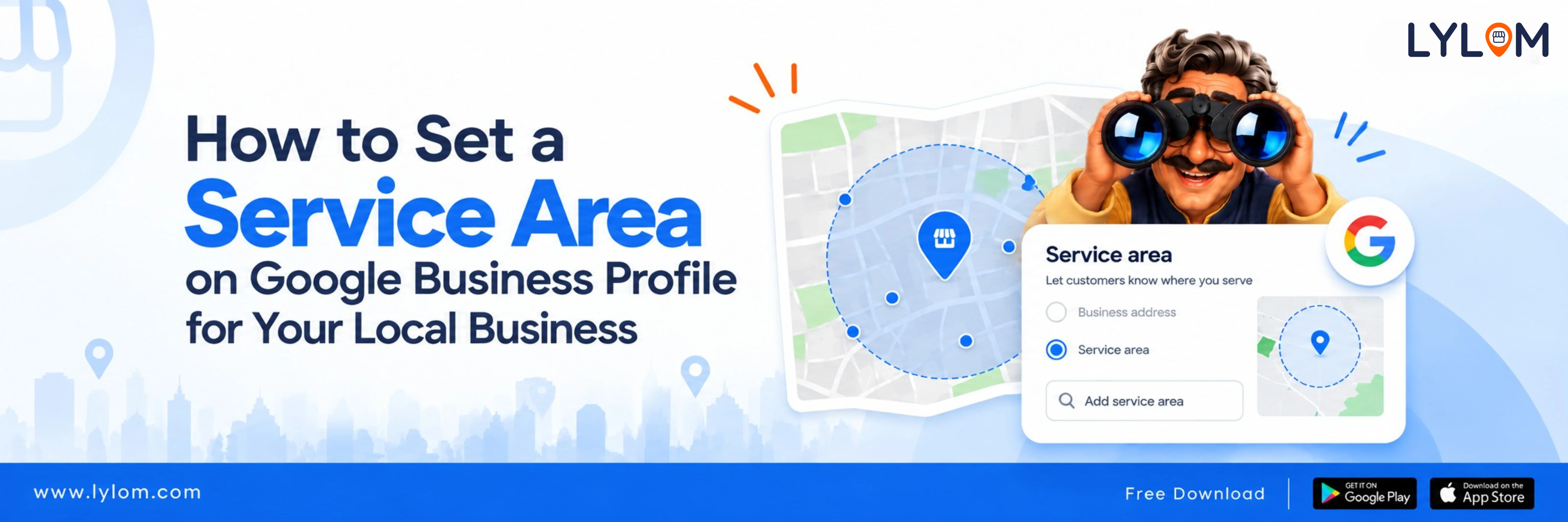
Google allows eligible service-area and hybrid businesses to specify where areas they serve. This information helps customers understand whether a business can provide products or services in their location.
What is a service-area business?
A service-area business is a business that visits or delivers to customers but does not serve customers at its business address.
Examples include:
- Plumbers
- Cleaning services
- Pest control companies
- Electricians
- Home repair services
- Delivery businesses
A hybrid business, on the other hand, serves customers at its business address and also visits or delivers to customers.
Why is your service area important?
Imagine a customer searches: “AC repair near me”
They find your business profile.
If your profile clearly indicates the areas you serve, the customer can quickly understand whether your service is available in their location.
This can reduce unnecessary calls from customers outside your operating area and make it easier for relevant customers to understand your coverage.
How to add a service area
- Open your Business Profile.
- Select Edit profile.
- Select Location.
- Find Service area.
- Select Edit.
- Choose or enter the areas you serve.
- Save the changes.
Google currently allows up to 20 service areas. Overall service area should generally not extend more than about two hours of driving time from the business's base.
Don't use a random radius
One important point many business owners miss is that Google does not allow you to define a service area as a radius around your business.
Instead, service areas should be specified using supported geographical areas such as cities or postal codes.
So instead of saying: “We serve within 30 km.”
You may need to specify the actual locations you serve.
What if you don't have a physical storefront?
If customers don't visit your business address, Google says you should remove the address from your Business Profile and use your service area instead.
For example, a mobile home-cleaning service may not need to publicly display its residential office address.
Instead, customers can see the areas where the business provides its service.
Be accurate with your locations
One common mistake is adding every nearby city simply to reach more customers.
Your service area should represent where you actually provide your service.
If you add locations that you don't serve, customers may contact you expecting service that you can't provide.
That creates a poor customer experience.
Service area vs business address
These are two different things.
A storefront business may have a public address.
A service-area business may hide its address and show the locations it serves.
A hybrid business can have both a physical address and a service area.
The correct setup depends on how your business actually operates.
Keep your service area updated
Your service area can change as your business grows.
For example:
- Year 1: Hisar + nearby areas
- Year 2: Hisar + 5 additional cities
- Year 3: Multiple districts
Whenever your operating area changes, update your Google Business Profile.
Final takeaway
If your business travels to customers or delivers services locally, your service area is an important part of your Google Business Profile.
It tells potential customers where you can actually help them.
Keeping this information accurate can help your profile be more useful and reduce confusion.
Managing multiple Google Business Profile details at once can be difficult for small-business owners. Solutions like LYLOM are designed to make local business management simpler and easier.
Don't just tell Google what your business does. Tell customers where you do it.
It tells potential customers where you can actually help them.
Keeping this information accurate can help your profile be more useful and reduce confusion.
Managing multiple Google Business Profile details at once can be difficult for small-business owners. Solutions like LYLOM are designed to make local business management simpler and easier.
Don't just tell Google what your business does. Tell customers where you do it.