

Your Google Business Profile is not just a place to display your business name, address and phone number.
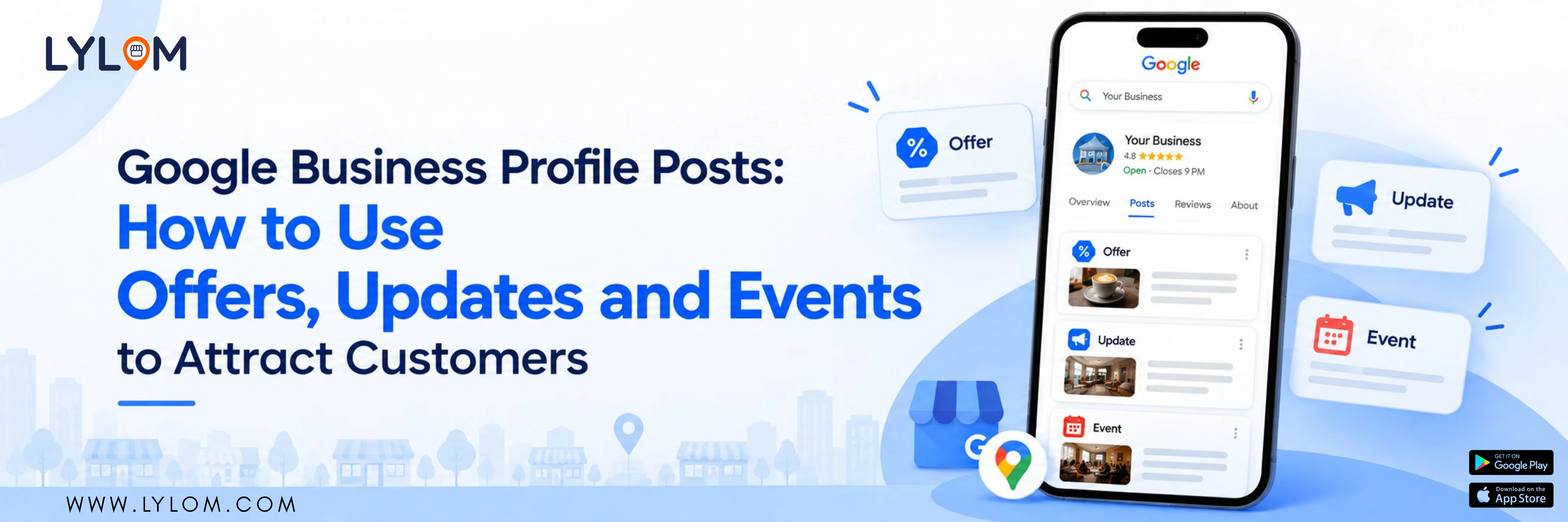
Businesses can also use Google Business Profile posts to share updates, offers and events with customers on Google Search and Maps.
For a local business, this can be useful as customers may discover your profile while they are already searching for a product or service.
What are Google Business Profile posts?
Posts allow businesses to publish information directly through their Business Profile.
Depending on the available features, you can create:
- Updates
- Offers
- Events
Posts can include text, photos or videos, and some post types can include action buttons that direct customers to a website.
1. Use Updates to share what's happening
An update is useful when you have something new to share with customers.
For example:
Salon: “New hair spa service now available.”
Restaurant: “Weekend special menu now available.”
Retail store: “New festive collection has arrived.”
Clinic: “Online appointment booking is now available.”
Salon: “New hair spa service now available.”
Restaurant: “Weekend special menu now available.”
Retail store: “New festive collection has arrived.”
Clinic: “Online appointment booking is now available.”
The idea is simple: give customers a reason to check your business.
2. Use Offers to promote deals
Offers can be useful when your business is running a promotion.
For example:
Weekend Offer: 20% off on selected services.
Or:
Festive Sale: Special prices on selected products from October 1–10.
Weekend Offer: 20% off on selected services.
Or:
Festive Sale: Special prices on selected products from October 1–10.
3. Use Events to promote upcoming activities
If your business is organising an event, you can use an Event post.
For example:
- Store launch
- Workshop
- Open house
- Food festival
- Fitness session
- Fashion event
Why should local businesses use posts?
Customers often need more than basic business information.
Suppose someone searches “salon near me”. They find your business profile. Your profile shows your location, phone number and hours.
But if they also see that you have a current offer or recently launched a new service, they have another reason to explore your business.
Posts can therefore help you communicate what is happening right now.
Don't treat Google Posts like Instagram posts
One important difference is intent.
While people may discover your content while scrolling on social media, people may already be looking for a business, product or service on Google.
Your posts should therefore be useful and action-oriented.
Instead of writing: “Something exciting is coming!”
Try: “Weekend Hair Spa Offer – Book your appointment before Sunday.”
Try: “Weekend Hair Spa Offer – Book your appointment before Sunday.”
The second message tells the customer exactly what is happening.
What makes a useful Google Business Profile post?
Keep the message: Clear + Relevant + Useful
Include:
- What is being offered
- Who it is for
- When it is available
- What the customer should do
Use a good-quality image or video when relevant. If your post contains a link, make sure it takes customers to the correct page.
How to create a post
- Open your Business Profile.
- Select Posts.
- Select Add post.
- Choose Update, Offer or Event.
- Add your content.
- Add relevant media or a link.
- Add the required dates/details.
- Publish the post.
Don't forget to update old information
An old promotion can create confusion.
For example, imagine a customer finds a post advertising a discount that ended three months ago.
That is not a good customer experience.
Make Google Posts part of your marketing routine
Instead of posting randomly, create a simple monthly plan.
- Week 1: New product
- Week 2: Customer offer
- Week 3: Useful business update
- Week 4: Event or seasonal promotion
This makes your Google presence more informative without requiring a completely new marketing campaign every time.
Final takeaway
Your customers are already using Google to discover local businesses.
Google Business Profile posts give you another way to communicate directly with those customers through your business profile.
If managing posts, photos, services and other profile information feels complicated, a tool like LYLOM can help bring local business management into a simpler workflow.
Don't let your Google profile stay static while your business keeps changing.
Google Business Profile posts give you another way to communicate directly with those customers through your business profile.
If managing posts, photos, services and other profile information feels complicated, a tool like LYLOM can help bring local business management into a simpler workflow.
Don't let your Google profile stay static while your business keeps changing.