

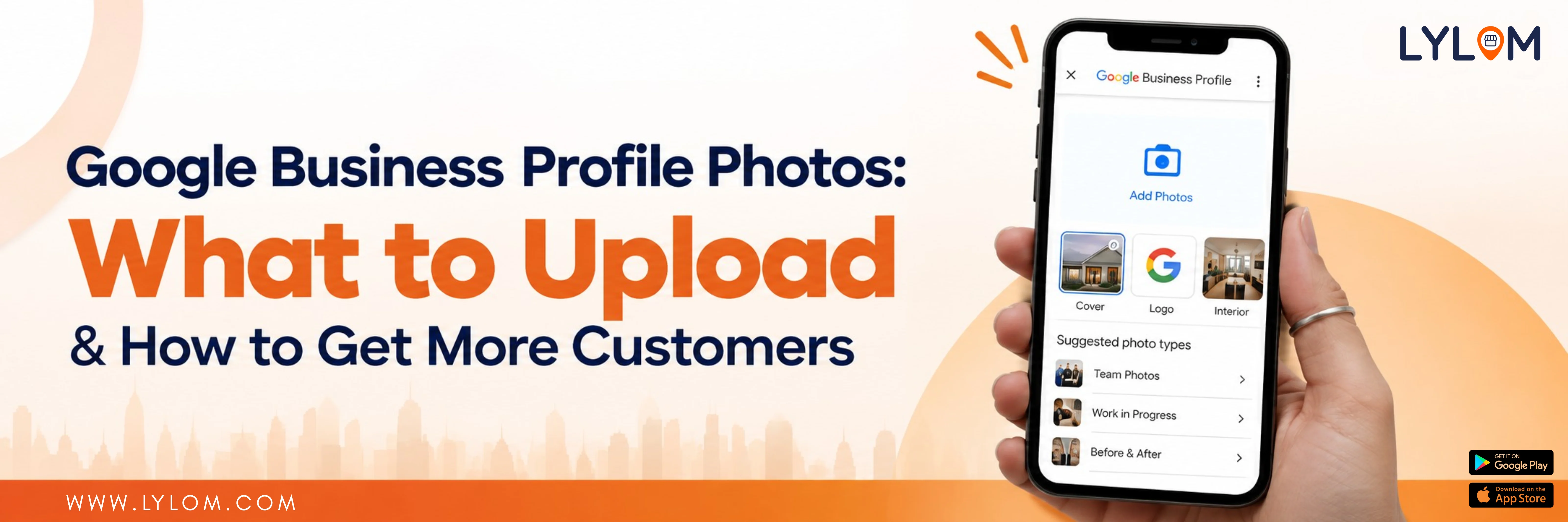
Before visiting a local business, many customers want to see what it looks like.
They may want to see the store, restaurant interior, products, staff or the services being offered.
That is where Google Business Profile photos come in.
Photos help customers understand your business before they visit. Google recommends adding photos of your storefront, products and services to make your profile more complete and useful for customers.
Why do Google Business Profile photos matter?
Before visiting a local business, customers often want to know what to expect.
Good photos can help customers understand:
- What your business looks like
- What products you sell
- What your store or office looks like
- What kind of experience they can expect
- Whether they have found the correct location
For businesses such as salons, restaurants, clinics, hotels and retail stores, visual information can be particularly useful.
What photos should you upload?
1. Exterior photos
Show the outside of your business. This can help customers recognise your location when they arrive.
For example:
Show the outside of your business. This can help customers recognise your location when they arrive.
For example:
- Storefront
- Entrance
- Signboard
- Building from different directions
2. Interior photos
Give customers a realistic idea of what the inside looks like.
For example:
Give customers a realistic idea of what the inside looks like.
For example:
- Reception area
- Seating area
- Store interior
- Treatment room
- Dining area
3. Product photos
If you sell products, showcase them.
A clothing store could upload photos of its collections. A bakery could showcase cakes and pastries. A furniture store could show different furniture pieces.
If you sell products, showcase them.
A clothing store could upload photos of its collections. A bakery could showcase cakes and pastries. A furniture store could show different furniture pieces.
4. Service photos
Service businesses should showcase what they actually do.
For example, a salon can show:
Service businesses should showcase what they actually do.
For example, a salon can show:
- Hair styling
- Hair treatment
- Makeup
- Salon interior
What are Google's photo requirements?
Google recommends JPG or PNG images between 10 KB and 5 MB. Recommended resolution is 720 × 720 pixels, minimum 250 × 250 pixels.
Photos should be clear, well-lit and represent reality without excessive filters or alterations.
Don't forget your logo and cover photo
Your logo helps customers recognise your brand.
Your cover photo should represent your business clearly.
However, selecting a cover photo does not necessarily guarantee that Google will display that exact image upfront. Google may use other sources when determining which image appears.
How often should you update photos?
There isn't a magic number of photos that guarantees better performance.
Instead, focus on keeping your profile accurate and visually useful.
Whenever you have something meaningful to show, consider updating your photos:
- New product collection
- Renovated store
- New menu
- New service
- New equipment
- Seasonal products
- New interior design
What should you avoid?
Avoid:
- Blurry photos
- Extremely dark images
- Excessive filters
- Misleading images
- Images unrelated to your business
- Stock images presented as real business photos
The most important rule is simple: show the real business.
Final takeaway
Your Google Business Profile is often the digital first impression of your local business.
Good photos can help customers understand your business before they call, visit or place an order.
Instead of uploading photos occasionally and forgetting about them, make visual updates a part of your regular local marketing activity.
With a platform like LYLOM, businesses can simplify the process of managing their Google Business Profile and keep important profile information organised.
Show customers what your business really looks like—and give them a reason to explore it.
Good photos can help customers understand your business before they call, visit or place an order.
Instead of uploading photos occasionally and forgetting about them, make visual updates a part of your regular local marketing activity.
With a platform like LYLOM, businesses can simplify the process of managing their Google Business Profile and keep important profile information organised.
Show customers what your business really looks like—and give them a reason to explore it.